Advanced Dual-Mode Diagnostics
The X431 Pro5 introduces a dual-diagnosis ecosystem: Local Diagnosis via Bluetooth/Wired connection and SmartLink Remote Diagnosis. This allows a technician to seek remote assistance from a service center equipped with high-end Launch tools, even if the local workshop lacks the specific software for a rare vehicle.
Key Technical Pillars & Semantic Entities:
SmartLink C 2.0 VCI: A revolutionary “3-in-1” interface that works as a wireless VCI, a J2534 Pass-Thru device for OEM software (on Windows), and a remote diagnostic gateway.
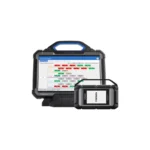
Intelligent Topology Mapping: Replaces traditional list-based scanning with a color-coded visual tree of the vehicle’s entire communication network, making it instant to see where a CAN-bus signal is failing.
ECU Programming & Coding:
Online Programming: Directly compatible with BMW and Mercedes-Benz for software updates and module replacement.
Online Coding: Supports VAG (VW/Audi/Skoda/Seat), Porsche, and Hyundai for personalizing hidden features or matching new components.
Service Mastery: Features 50+ Hot Reset functions, including specialized procedures like ADAS Calibration (requires hardware), Air Suspension Leveling, and GPF/DPF Regeneration.
Protocol Future-Proofing: Native support for CAN-FD (required for 2020+ GM/Ford) and DoIP (required for modern Volvo, Land Rover, and BMW G-Chassis).
Hardware Excellence:
| Feature | Specification |
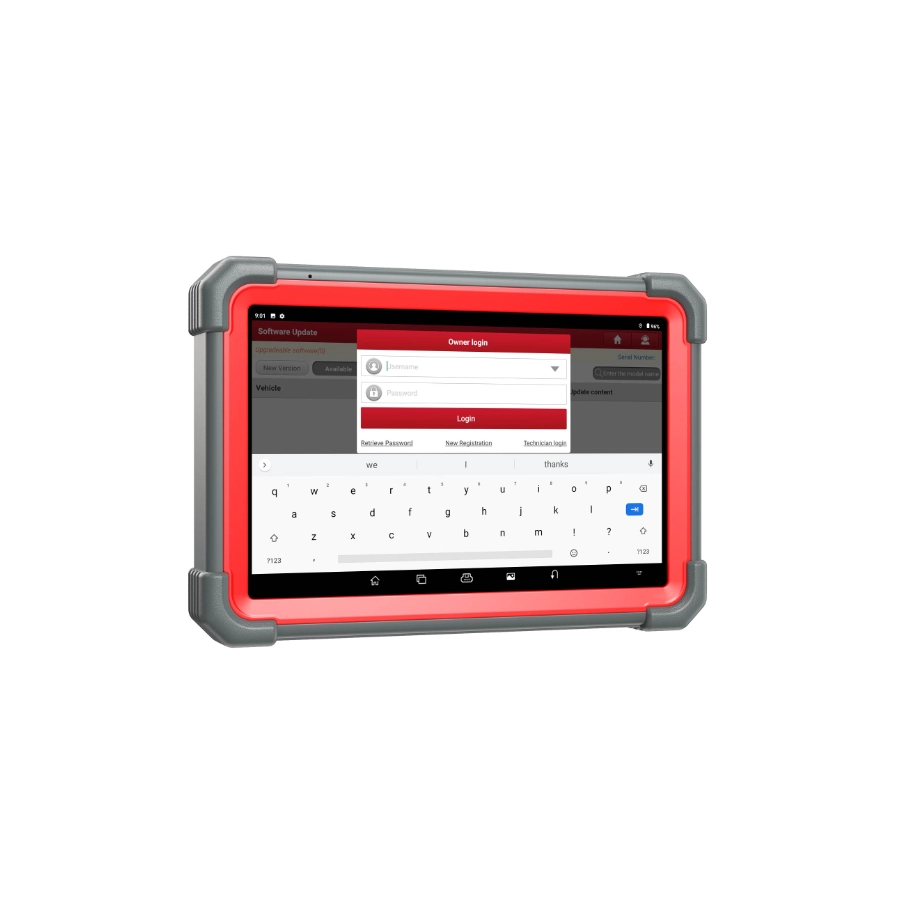
| OS | Android 10.0 (Optimized for Diagnostics) |
| Processor | 2.0 GHz Octa-Core |
| Display | 10.1″ Gorilla Glass (1920 x 1200) |
| Battery | 7,000 mAh (Supports 10+ hours of continuous use) |
| Memory | 4GB RAM / 64GB Storage (Expandable) |
| VCI Interface | SmartLink C 2.0 with 3.5″ Status Screen |
Workshop Tip: To use the J2534 programming feature for brands like Ford or Toyota, you will need to download the “SmartLink Tool” driver on a Windows PC and connect the SmartLink C VCI via USB to bridge the OEM software with the vehicle.